

Push notifications and in-app campaigns are two of the most effective features brands can use to bring customers back, guide attention, and drive action inside their mobile app for Shopify. Each one has its own strength.
Push notifications help brands reach customers outside the app and give them a reason to return. In-app campaigns help continue that journey once the customer is inside the app by highlighting the right offer, product, reward, or next step.
Many merchants use these features separately, and they can still be useful on their own. But when push notifications and in-app campaigns are planned together, they create a much stronger mobile shopping experience.
A push notification can remind a customer about a product, offer, reward, cart, or campaign. Then, when the customer opens the app, the in-app campaign can continue the same message visually and guide them toward action.
The flow can also work the other way. A customer may first see an in-app campaign, show interest, and leave without acting. Later, a push notification can bring them back to complete the journey.
That is what makes the combination so powerful.
In this article, we will look at why push notifications and in-app campaigns work better together, how to connect them without creating a broken customer journey, and 10 practical best practices Shopify brands can use inside their mobile app.
Push Notifications Create The Return Moment
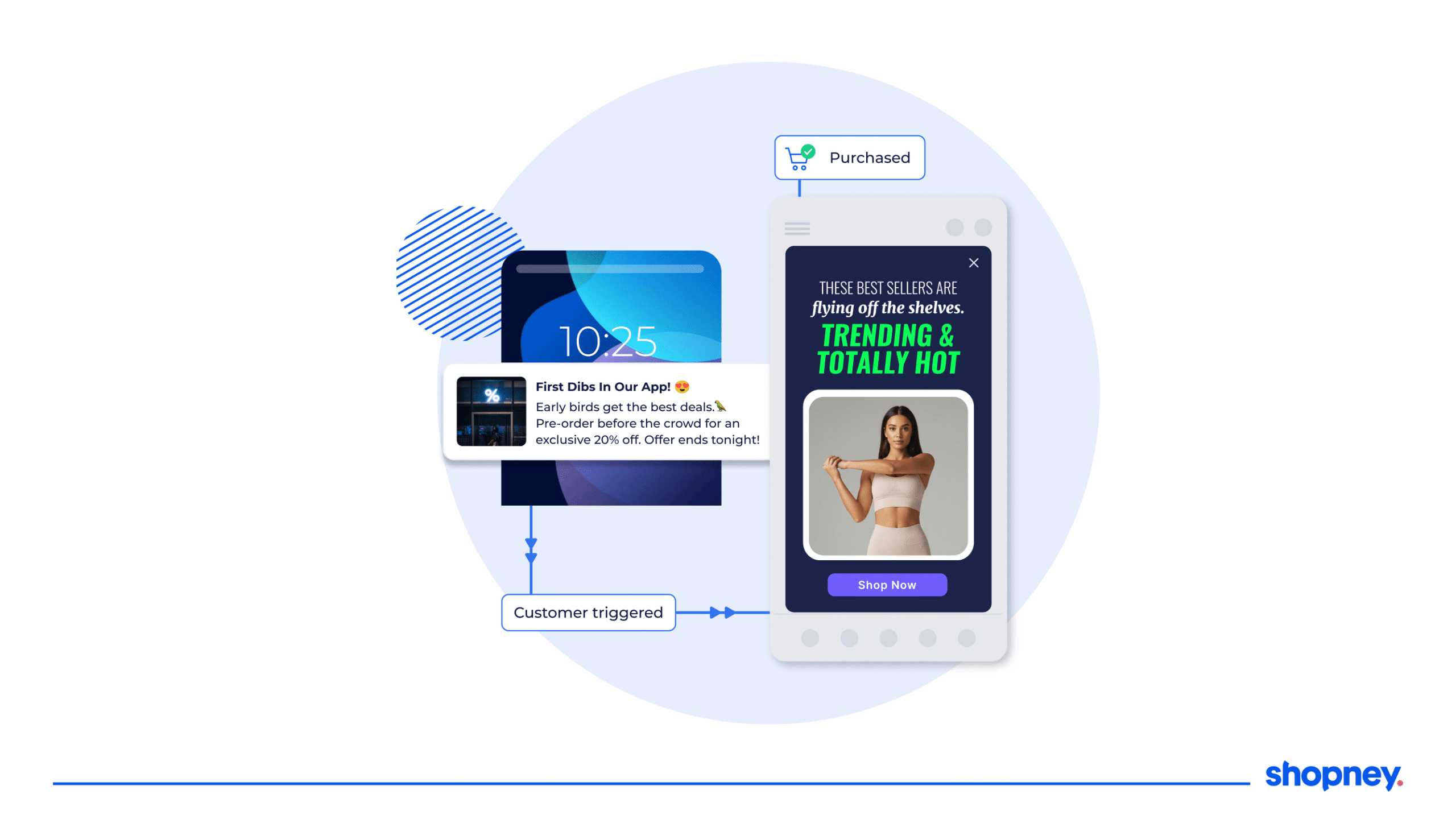
Push notifications are designed to reach customers when they are not already inside the app.
That is what makes them so valuable for mobile commerce.
A customer may not be browsing your store at that exact moment. They may not be thinking about their cart, rewards, favorite product, or your latest campaign. A push notification can bring that moment back to their attention.
Brands can use push notifications for many purposes, including cart reminders, product updates, reward reminders, new drops, flash sales, reorder reminders, and win-back messages.
They are especially useful when the goal is to bring customers back to the app.
But a push notification alone does not complete the journey.
It can create the return moment, but the customer still needs a clear next step once they open the app. That is where many mobile campaigns lose momentum.
A customer taps the notification, opens the app, and then has to figure out where to go. The offer is not visible. The product is not highlighted. The reward is not easy to find. The campaign does not continue inside the app.
The notification did its job, but the journey was not completed. That is why push notifications need a clear in-app continuation.
They are powerful because they bring customers back, but they work best when the app experience immediately supports the reason they returned.
In-App Campaigns Continue The Journey Inside The App
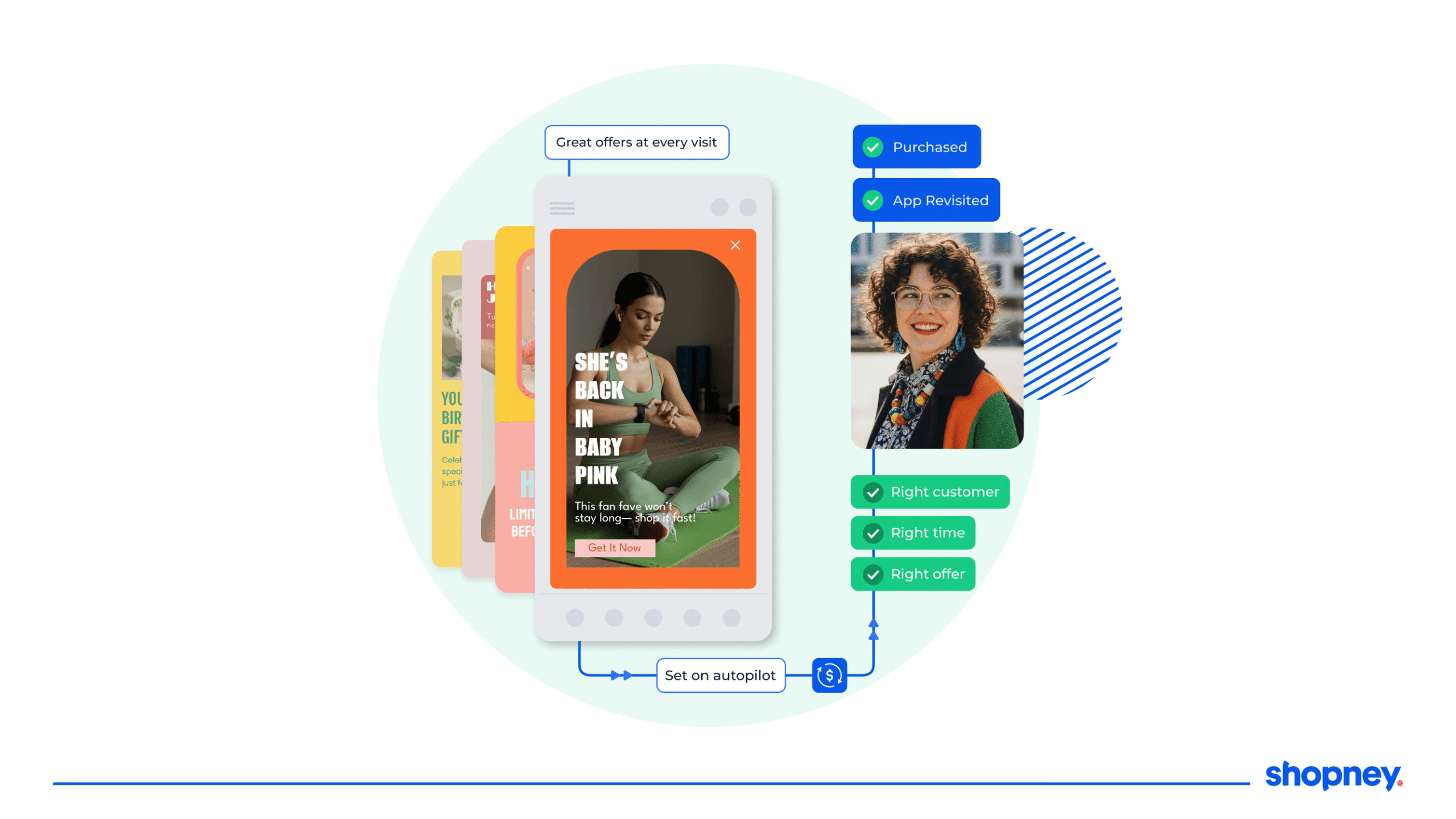
In-app campaigns appear after the customer opens the app.
They are not designed to bring users back from outside the app. They are designed to guide attention once the customer is already inside.
This is where they work differently from push notifications. The push notification gets attention outside the app.
The in-app campaign focuses attention inside the app.
In-app campaigns can highlight a specific offer, direct users to a collection or product, make rewards visible, reinforce a campaign, shorten the path to checkout, or guide attention toward one clear action.
That makes them especially useful for turning an app open into a meaningful action.
For example, a customer may open the app after receiving a push notification about a sale. If they immediately see an in-app campaign that features the same sale, the journey feels clear.
- They do not need to search for the offer.
- They do not need to remember what the notification said.
- They do not need to figure out the next step alone.
- The in-app campaign continues the message and helps the customer act.
This is why in-app campaigns are important for brands that want to increase mobile app engagement. They help turn app sessions into guided experiences, not just open-ended browsing.
The Best Results Come From Connecting The Two
The main best practice is continuity.
The push notification and in-app campaign should feel like one connected journey.
If the push notification says, “Your reward is waiting” the in-app campaign should show the reward.
If the push notification says, “Your cart is still here” the in-app campaign should help the customer return to the cart.
If the push notification says, “New arrivals just dropped” the in-app campaign should highlight the new collection.
If the push notification says, “App-exclusive offer ends tonight” the in-app campaign should show that offer inside the app.
This keeps the customer’s attention focused and reduces friction.
The biggest mistake is creating a gap between the outside message and the inside experience.
When the notification promises one thing, but the app shows something else, the customer journey feels disconnected.
The customer may lose interest. They may ignore the message. They may even stop trusting future notifications.
But when the message continues clearly inside the app, the campaign feels easier to follow.
The push notification sets the expectation. The in-app campaign completes it. That connection is what makes the combination stronger than using either tool alone.
The Flow Can Work In Both Directions
Push notifications and in-app campaigns can support each other before and after the app open.
The first flow is push notification first.
The brand sends a message to bring the customer back. The customer opens the app. Then a matching in-app campaign continues the journey.
For example, the brand sends a push notification about a flash sale. When the customer opens the app, an in-app campaign shows the sale offer and routes them to the right collection.
This is the most common flow. But the flow can also start inside the app.
A customer may see an in-app campaign while browsing, show interest, but leave without acting. Later, a push notification can bring them back to complete the action.
For example, a customer sees an app-exclusive offer inside the app but leaves. Later, a push notification reminds them that the offer ends soon.
Or a customer sees a loyalty reward campaign but does not redeem it. Later, a push notification reminds them that the reward is still available.
Or a customer opens a product drop campaign but does not buy. Later, a push notification brings them back with a reminder about the collection.
This is important because the two features should not be seen as fixed steps. They can support each other depending on the customer journey.
Sometimes the push notification starts the campaign. Sometimes the in-app campaign creates the first interest, and the push notification brings the customer back later.
In both cases, the goal is the same: create a connected experience that makes the next step clear.
Best Practices For Building A Connected Campaign
Before looking at the examples, it is important to define what makes a connected campaign work.
The first rule is to keep the same message across both tools.
If the push notification talks about a reward, the in-app campaign should not show a generic sale. If the push notification talks about a cart, the in-app campaign should not highlight a random collection.
The second rule is to route customers to the right screen.
A push notification should not only open the app homepage when the customer expects a specific product, reward, cart, or campaign. The fewer steps the customer needs to take, the stronger the journey becomes.
The third rule is to use one clear goal per campaign.
A campaign should not ask the customer to shop a sale, join a loyalty program, check new arrivals, and use a discount all at once. One message, one goal, and one next step will usually work better.
The fourth rule is to use visuals inside the app to reinforce the push.
Push notifications are short. In-app campaigns can show more context. They can use visuals, campaign copy, product images, offer details, countdowns, or buttons to guide action.
The fifth rule is to segment where possible.
A cart reminder should go to cart abandoners. A reorder reminder should go to customers who bought before. A loyalty reward campaign should go to customers with available rewards. A personalized recommendation should reflect user behavior.
The sixth rule is to measure the full journey, not only the push open. A campaign is not successful only because someone opened the app. The real question is what happened after the customer returned.
Did they view the campaign?
Did they click?
Did they add to cart?
Did they buy?
Did they return again later?
This is how Shopify brands can build campaigns that support engagement, conversion, and retention at the same time. A connected campaign should feel consistent, relevant, and easy to act on.
10 Practical Examples
The following examples show how Shopify brands can use push notifications and in-app campaigns together as one connected workflow.
Each one follows the same logic.
The push notification brings the customer back. The in-app campaign continues the message and helps them take action.
1. Abandoned Cart Recovery
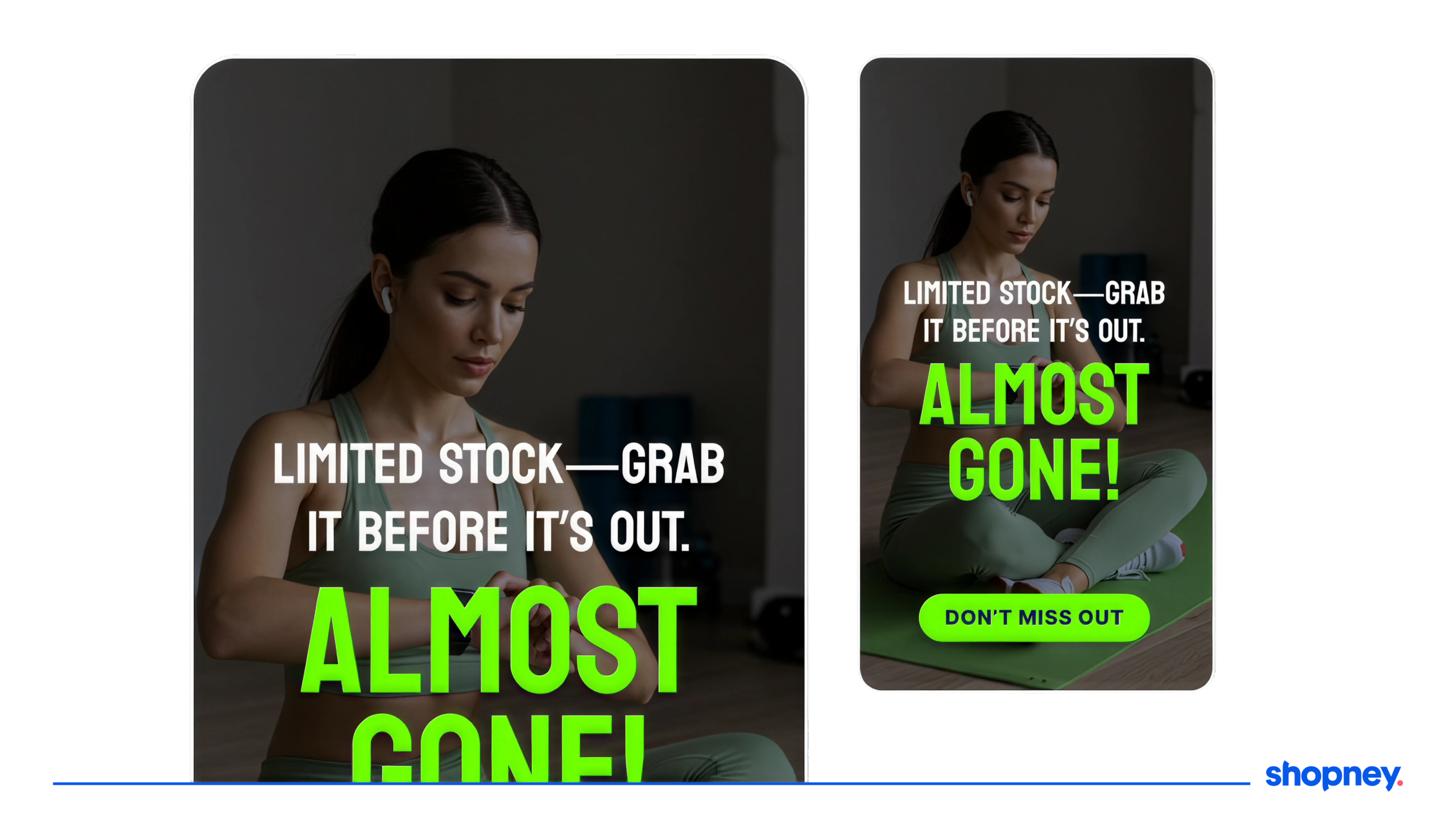
A customer adds products to cart but leaves without buying.
This is one of the clearest moments where push notifications and in-app campaigns can work together.
The push notification can remind the customer that their cart is waiting. It can be simple, direct, and connected to the product they already showed interest in.
When the customer opens the app, the in-app campaign can continue the cart recovery message. It can remind them what they left behind, highlight the benefit of completing the order, or guide them back to checkout.
This works because the customer already showed purchase intent.
They do not need to be convinced from zero. They already browsed, selected, and added products to the cart.
The campaign simply helps them return to the action they already started.
For Shopify brands, this workflow can help boost Shopify mobile conversions because it removes friction from a high-intent moment.
Best practice:
Do not make the customer search for the cart after tapping the push notification. The in-app campaign should make the next step obvious.
2. Back-In-Stock Alert
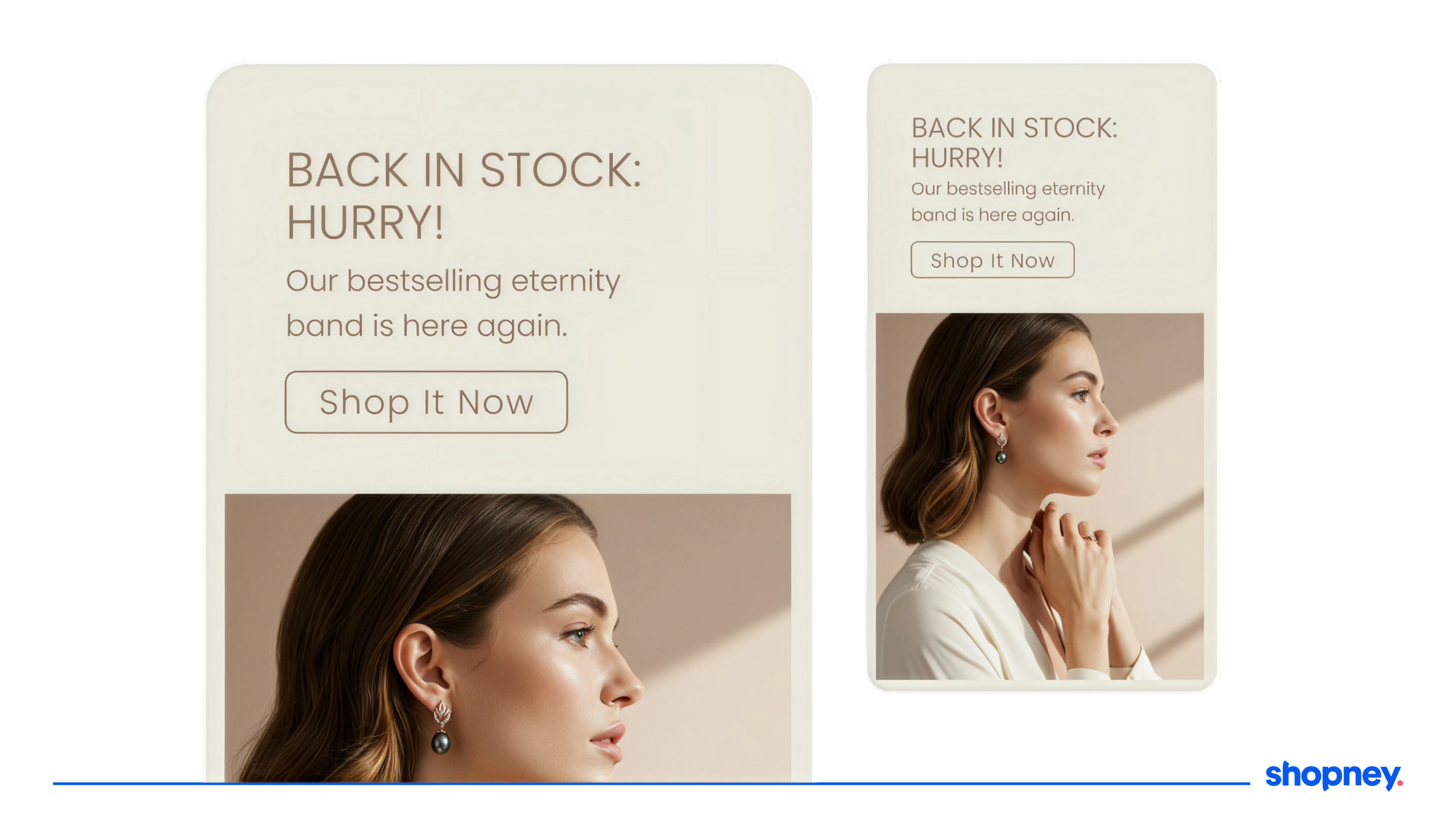
A customer viewed or saved a product that was unavailable.
The push notification can tell them the product is back in stock. The in-app campaign can then highlight the restocked product inside the app and route the customer to the product page.
This works because the message is connected to something the customer already wanted.
A back-in-stock alert is not a random promotion. It is a timely update based on previous interest. That makes the message feel useful.
The in-app campaign should continue that usefulness by making the product easy to find and buy.
Best practice:
Use this workflow when the customer has already shown interest in the product. A restock message works best when it feels personal and timely.
3. Product Drop Announcement
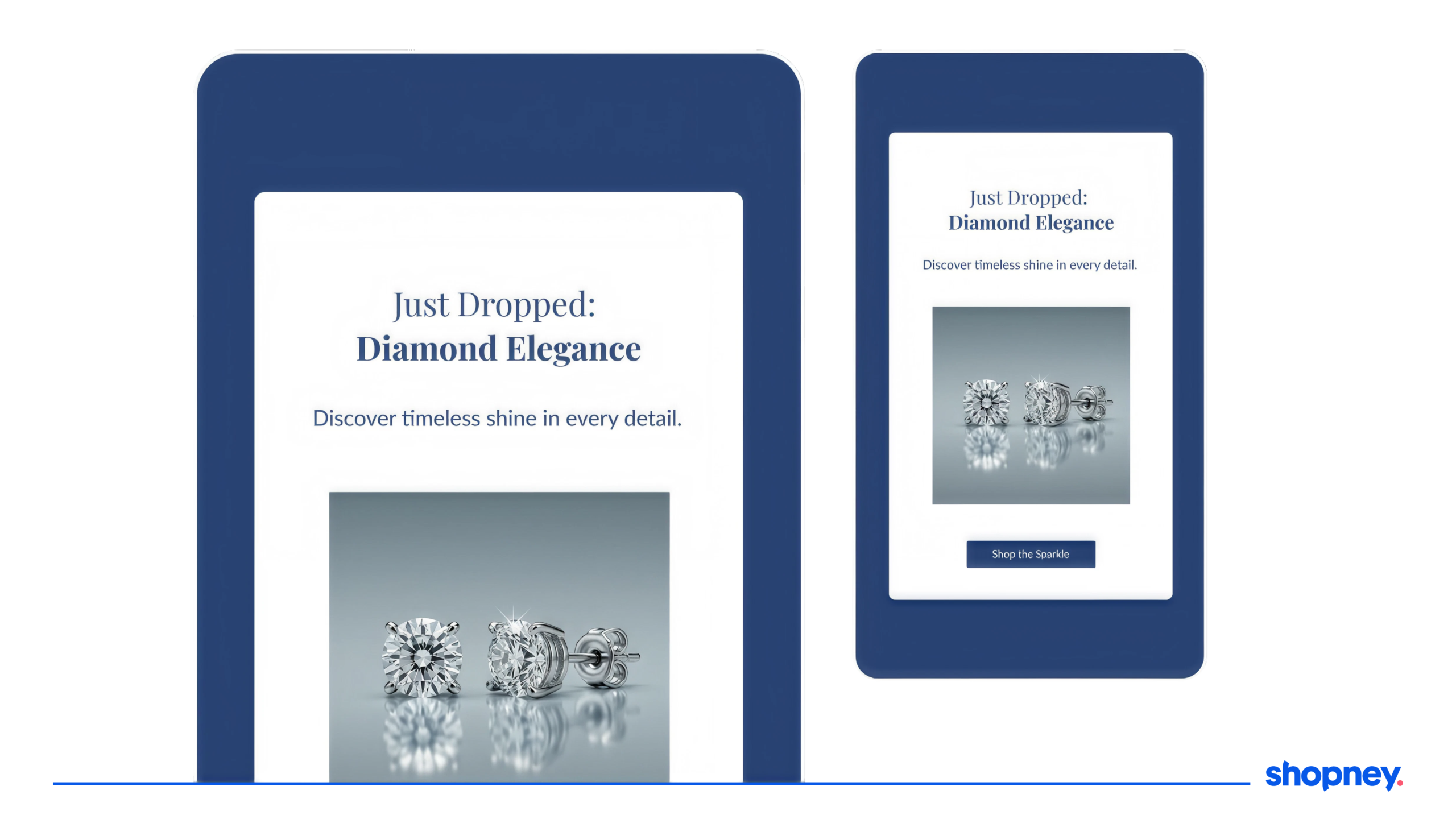
A brand launches a new product, collection, or seasonal drop.
The push notification can announce the drop and create the return moment. The in-app campaign can visually feature the new collection and guide shoppers to explore it.
This is especially useful for fashion, beauty, lifestyle, and seasonal brands, where product discovery is a major part of the shopping experience.
A push notification can create awareness, but the in-app campaign gives the launch more space. It can show the collection visually, explain what is new, and direct users to the right products. This combination turns a launch announcement into a focused app session.
Best practice:
Use the push notification to create curiosity, then use the in-app campaign to give the collection visual impact and a clear shopping path.
4. Flash Sale Promotion
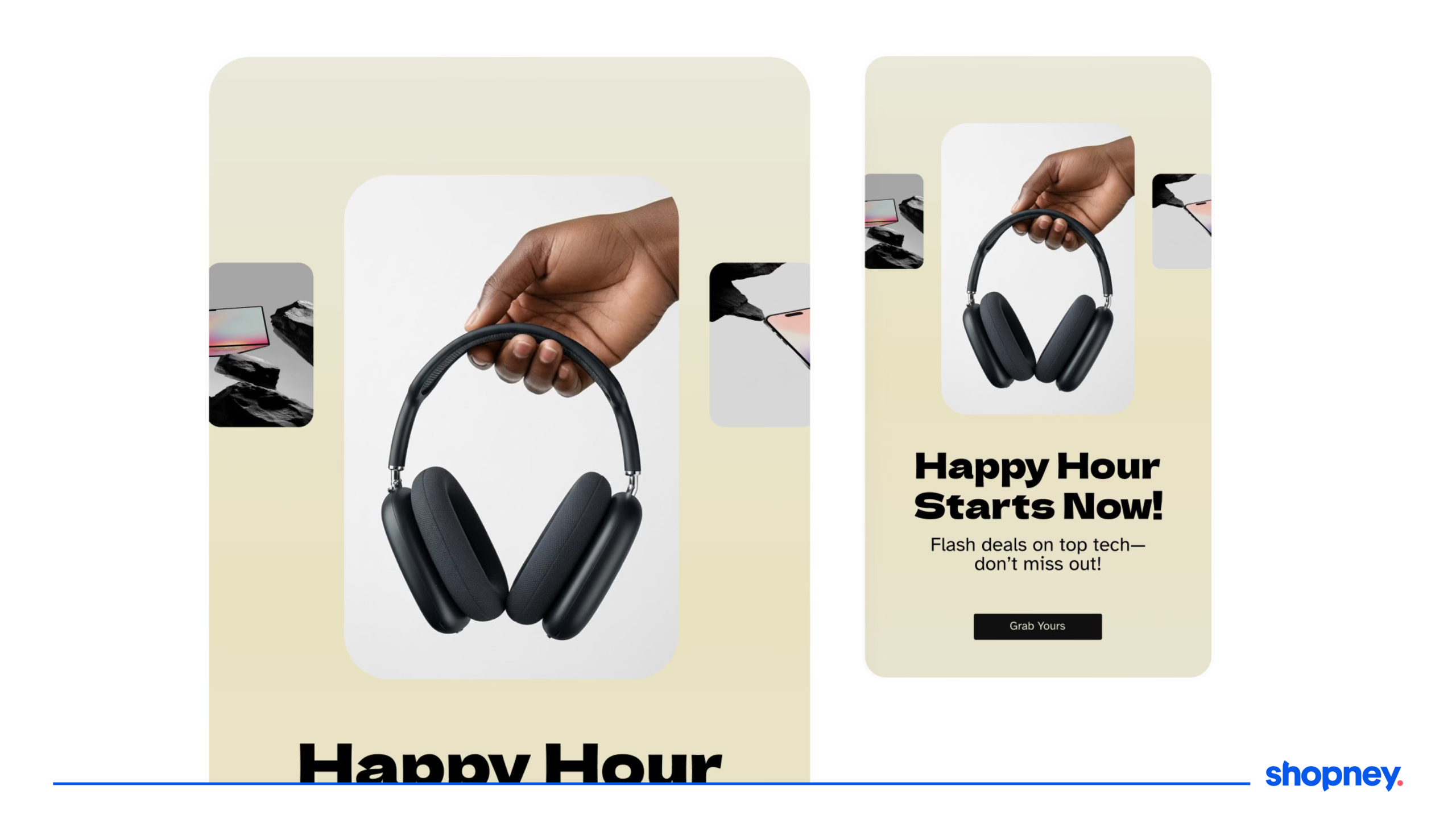
The brand is running a time-sensitive sale.
The push notification can create urgency and bring customers back quickly.
The in-app campaign can reinforce the sale inside the app, show the offer clearly, and guide customers to the right products.
This works because flash sales need both visibility and direction. The customer needs to know the sale is happening, but they also need to know where to go after opening the app.
If the push says “Flash sale ends tonight” the in-app campaign should immediately show the sale and direct the customer to the campaign page or collection. This keeps the experience consistent.
Best practice:
Use urgency only when it is real. If every campaign feels urgent, customers may stop responding.
5. Loyalty Reward Reminder
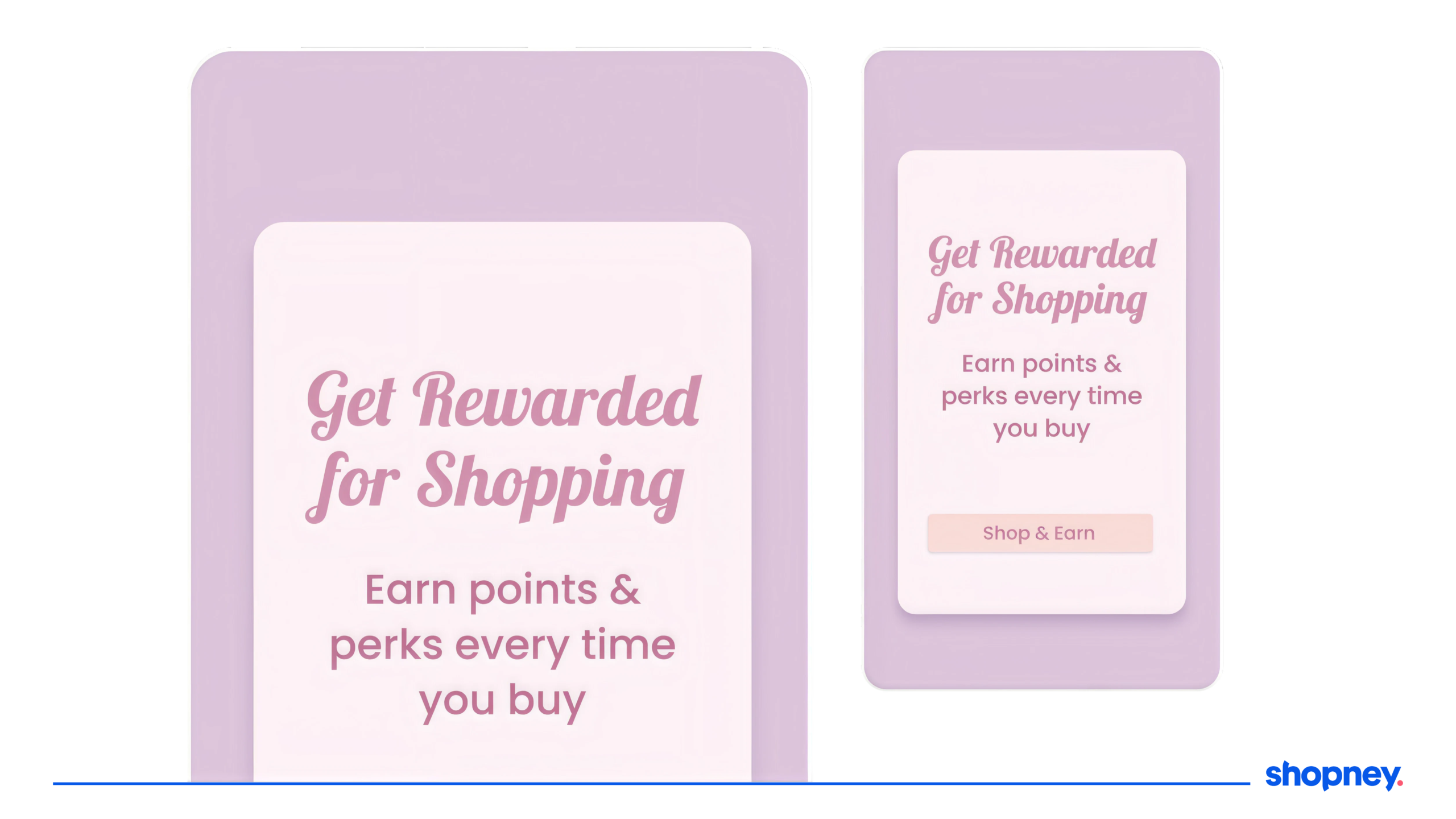
A customer has points, rewards, or progress toward a loyalty benefit.
The push notification can remind them that the reward is waiting. The in-app campaign can show the reward and explain how to use it.
This makes the loyalty program more visible and easier to act on.
Many customers forget they have points, rewards, or benefits available. A push notification can bring that value back to their attention.
But once they return to the app, they should not have to search for the reward. The in-app campaign should show what is available and guide them to the next step.
This workflow supports retention because it gives customers a reason to return and buy again.
Best practice:
Make the reward easy to understand. The customer should immediately know what they have, what it is worth, and how to use it.
6. App-Exclusive Offer
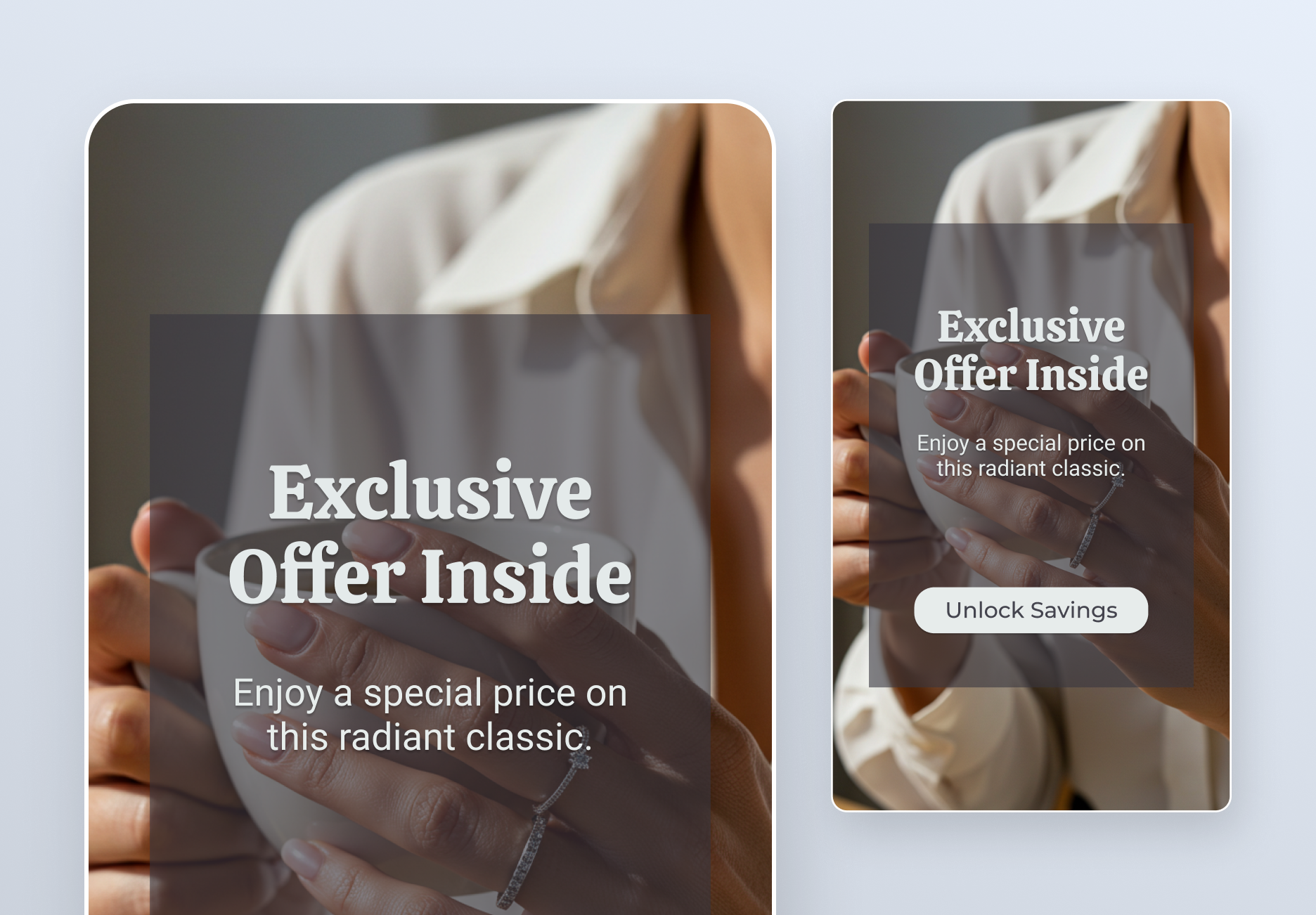
The brand wants to make the mobile app feel more valuable.
The push notification can announce an app-only offer, early access opportunity, or exclusive campaign.
The in-app campaign can present the offer clearly and route the customer to the right action.
This gives customers a reason to see the app as a special shopping channel.
If customers feel that the app gives them access to something they cannot get as easily elsewhere, they have a stronger reason to keep it and return to it.
This can be used for app-only discounts, early collection access, limited drops, loyalty perks, or exclusive bundles.
Best practice:
Make the exclusivity clear. The customer should understand why opening the app gives them extra value.
7. Personalized Product Recommendation
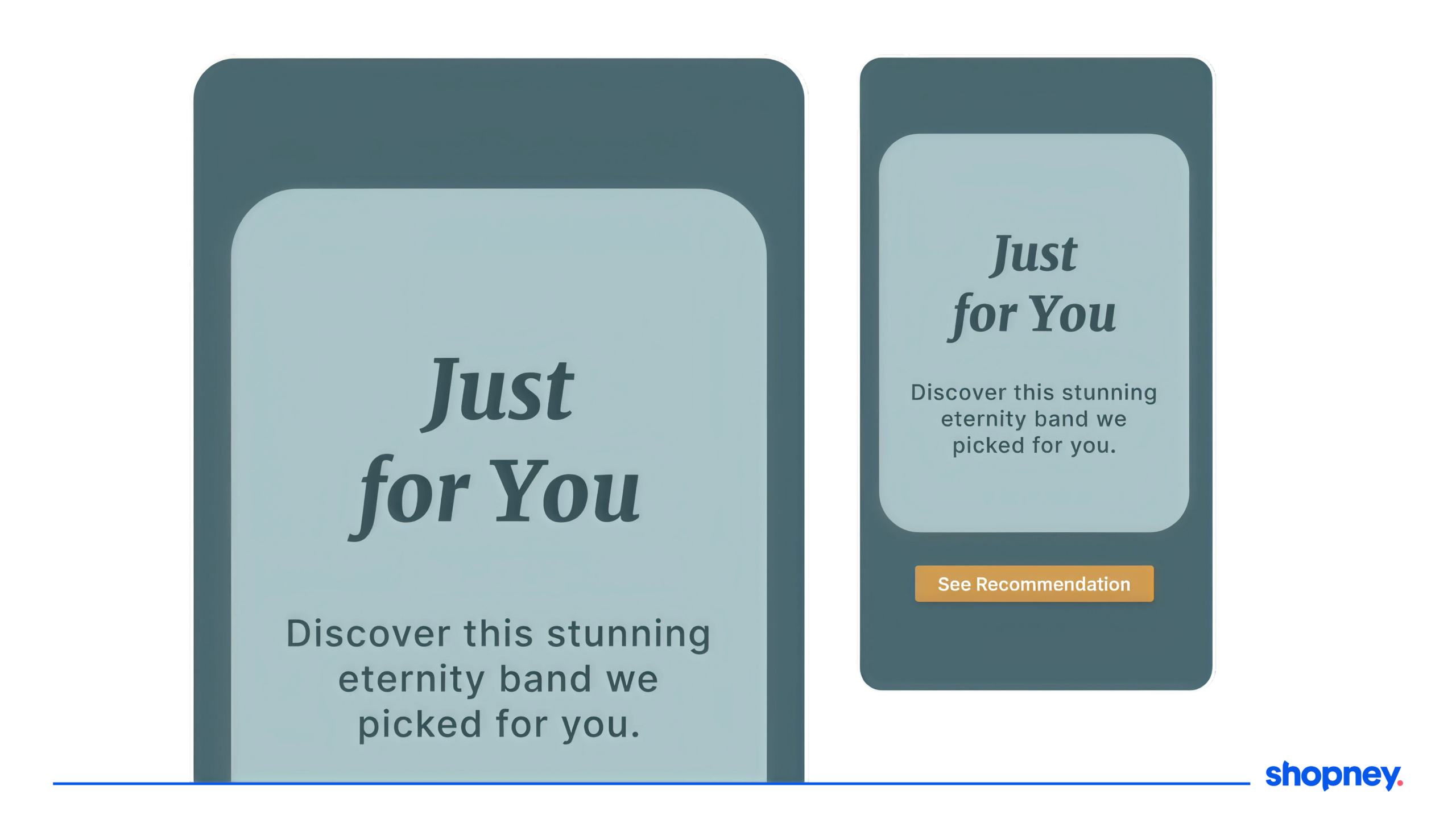
A customer browsed a product, collection, or category.
The push notification can invite them back with a relevant recommendation.
The in-app campaign can show related products or personalized suggestions inside the app.
This works better than a generic campaign because it reflects customer behavior.
A customer who browsed skincare products should not receive the same recommendation as someone who looked at shoes.
A customer who viewed pet products should not receive the same message as someone browsing jewelry.
Personalized campaigns feel more useful because they continue the customer’s own journey.
This is where Shopify mobile app integrations can also support the experience by connecting customer data, reviews, loyalty, marketing, and product discovery tools into the mobile app journey.
Best practice:
Use behavior to guide the message. The more relevant the recommendation feels, the stronger the campaign becomes.
8. Repeat Purchase Reminder
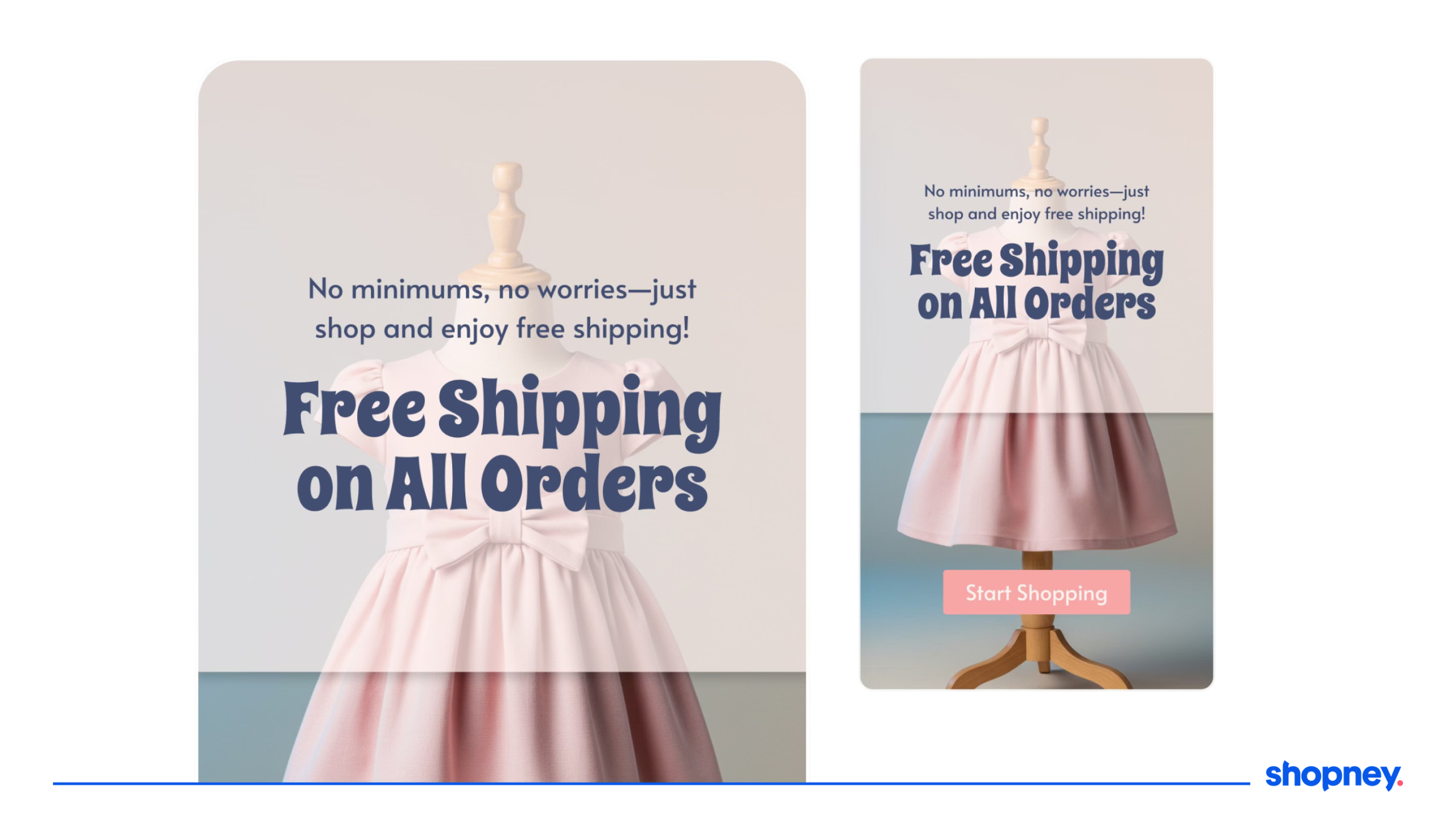
A customer bought a product that is likely to be purchased again.
The push notification can remind them it may be time to reorder.
The in-app campaign can make the repeat purchase path simple once they return.
This workflow works especially well for beauty, supplements, food, pet, health, and consumable products.
The customer already trusted the brand once.
The goal is to make buying again easier.
A push notification can remind them at the right time. The in-app campaign can then highlight the previous product, suggest a reorder, or guide them to related items.
This supports retention because it turns previous purchase behavior into a repeat purchase opportunity.
Best practice:
Do not treat repeat customers like first-time visitors. Make the return path faster, more personal, and more convenient.
9. Win-Back Message
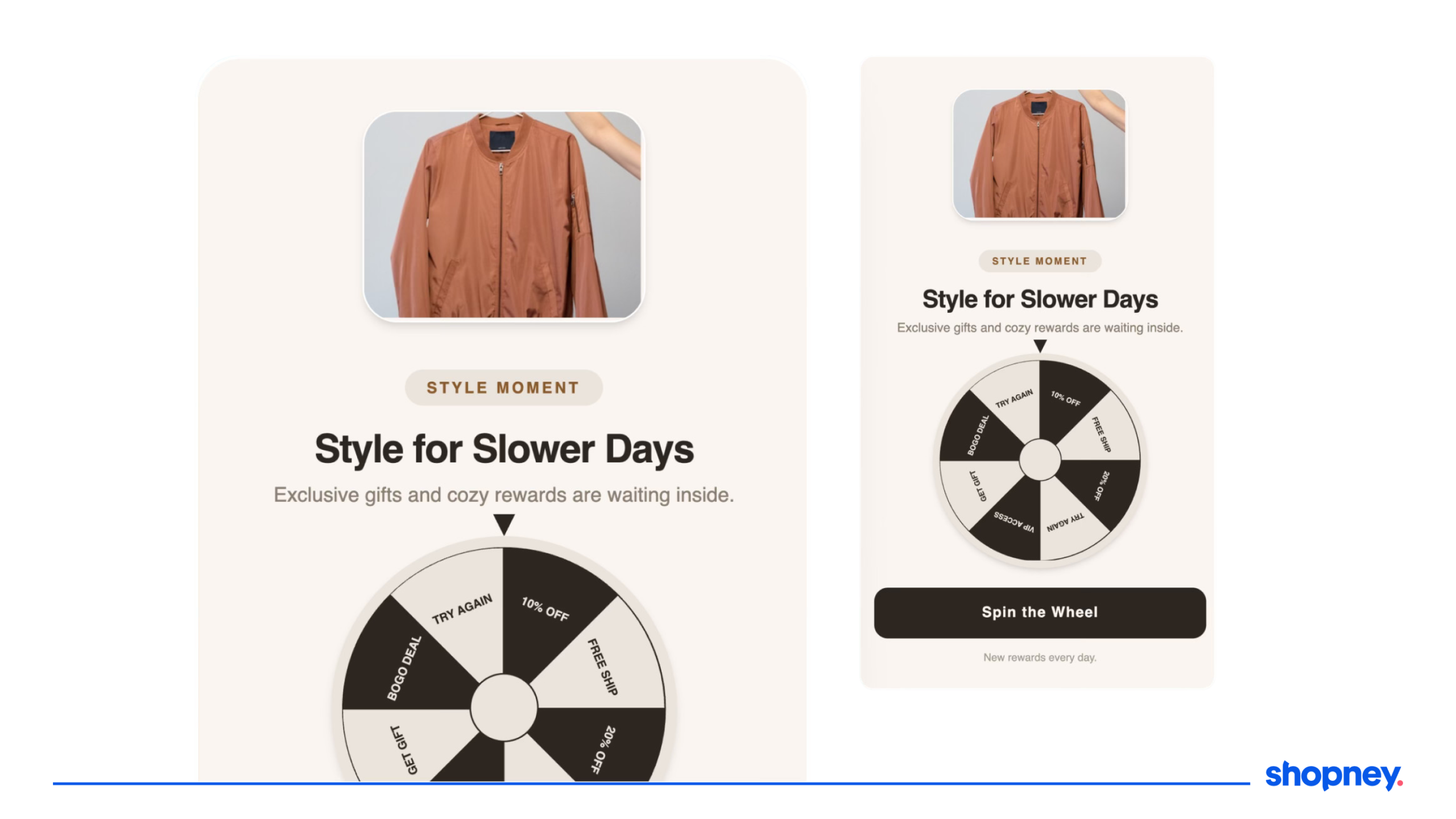
A customer has not opened the app or purchased in a while.
The push notification can give them a reason to return.
The in-app campaign can welcome them back and show what is new, relevant, or worth checking.
Inactive customers often need both parts of the journey.
They need a reason to come back, and they need a clear reason to stay once they return.
The push notification can focus on the return trigger: a new collection, reward, personalized offer, or app-exclusive benefit.
The in-app campaign can continue that message by showing the customer exactly what they came back for.
Best practice:
Avoid generic “We miss you” messages when possible. A stronger win-back campaign gives the customer a specific reason to return.
10. Post-Purchase Follow-Up
A customer has recently purchased.
The push notification can share an order update, review request, loyalty reminder, or related product suggestion.
The in-app campaign can guide them to track the order, leave a review, redeem points, or discover complementary products.
This is important because the customer journey does not end after the purchase.
Post-purchase engagement can support trust, retention, reviews, repeat purchases, and product discovery.
For example, after a customer buys a product, the brand can send a push notification when the order ships. When the customer opens the app, an in-app campaign can invite them to track the order, explore related products, or check loyalty rewards.
This keeps the relationship active after conversion.
Best practice:
Use post-purchase campaigns to support the next step in the relationship, not only the next sale.
How To Measure The Full Campaign Journey
Brands should not only measure push opens.
A push open shows that the customer came back, but it does not show whether the campaign worked.
The real value is what happens after the customer returns.
A connected campaign should be measured across the full journey, including:
- push open rate
- in-app campaign impressions
- campaign click-through rate
- product views
- add-to-cart rate
- checkout starts
- conversion rate
- revenue from the workflow
- repeat purchase rate
- retention impact
This gives a clearer picture of performance.
For example, a campaign may have a strong push open rate but weak conversion because the in-app experience is unclear.
Another campaign may have a lower open rate but higher revenue because the message reached a more relevant segment.
That is why Shopify brands should look beyond the first click.
A connected mobile app campaign should be measured by the action it creates, not only the app open.
Conclusion
Push notifications and in-app campaigns work better together because they support different parts of the same journey.
Push notifications bring customers back.
In-app campaigns guide them once they return.
Together, they help Shopify brands create connected mobile app workflows for cart recovery, back-in-stock alerts, product drops, flash sales, loyalty rewards, exclusive offers, personalized recommendations, repeat purchases, win-back flows, and post-purchase engagement.
This combination is not only useful for promotions. It also supports engagement, conversion, retention, and repeat purchases.
The strongest mobile app campaigns do not stop at getting customers back into the app. They continue the journey once the customer returns.
To see how Shopney can help you build connected mobile app campaigns with push notifications, in-app campaigns, and engagement tools, Book a demo with Shopney.
Share this: